Desktop app · Work project
Documentation Application
Desktop application for managing staff and vehicle documentation for a company. As this is proprietary software, only screenshots of the application are provided, without client data.
Poyect's screenshots
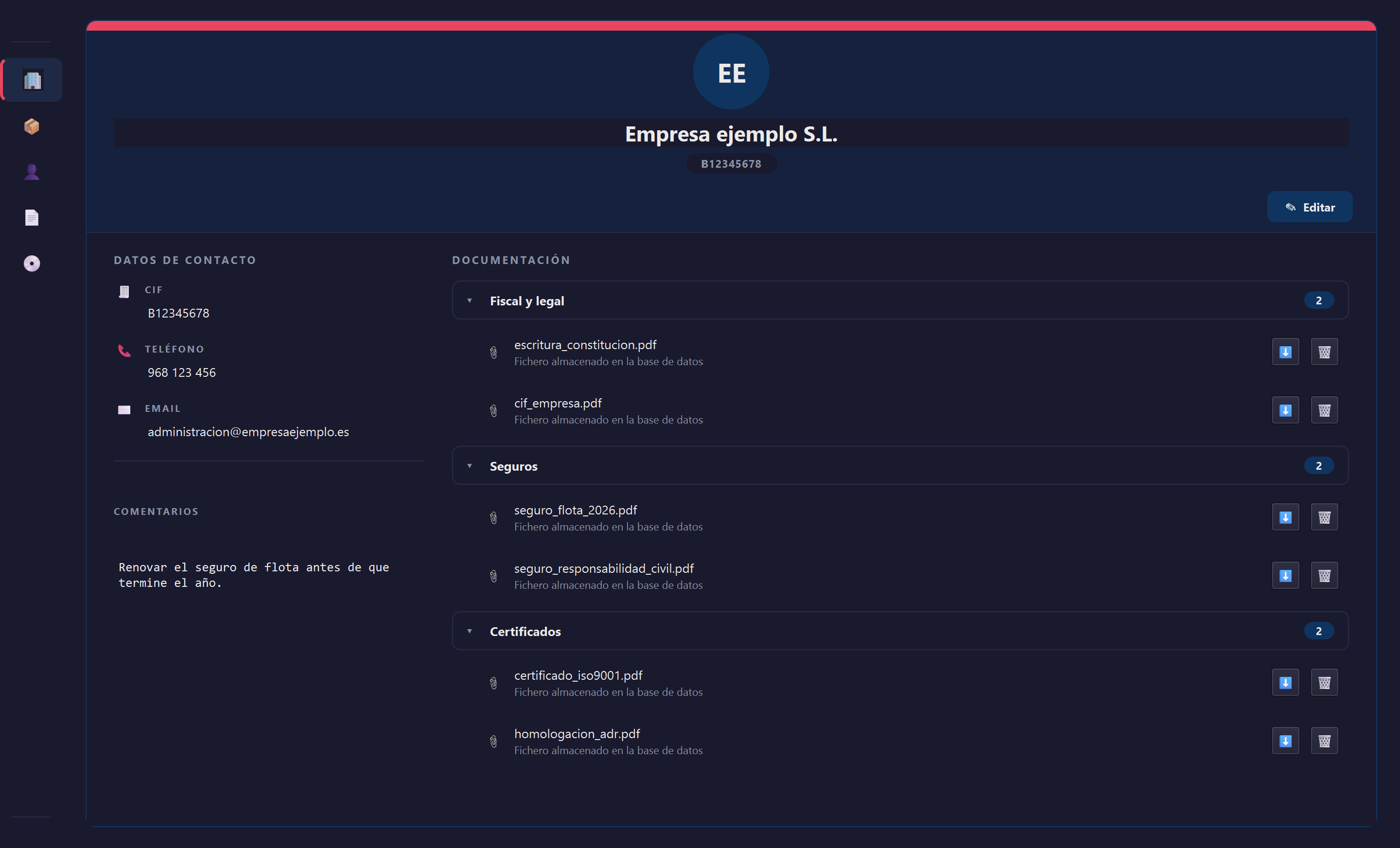
Company panel
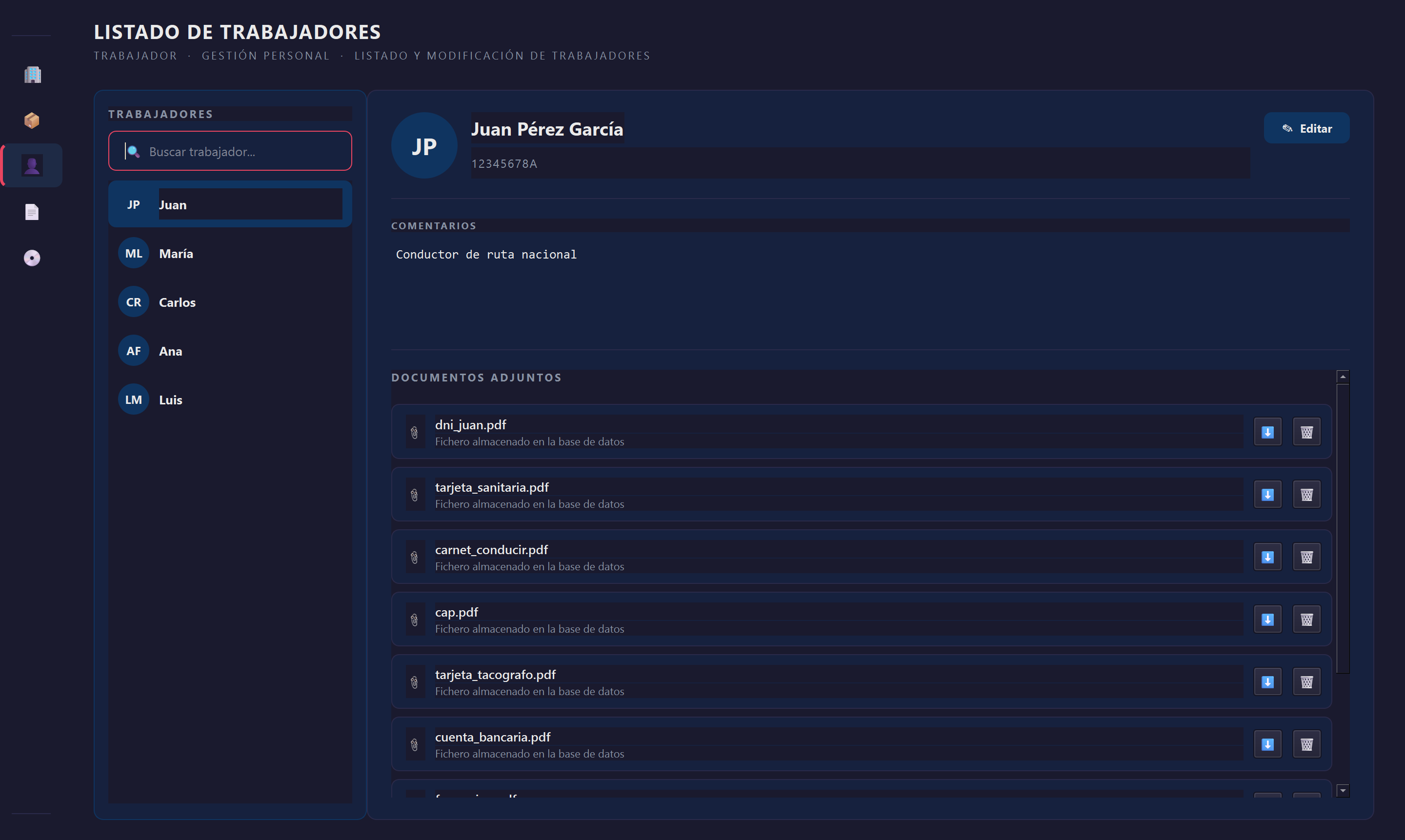
Employees panel
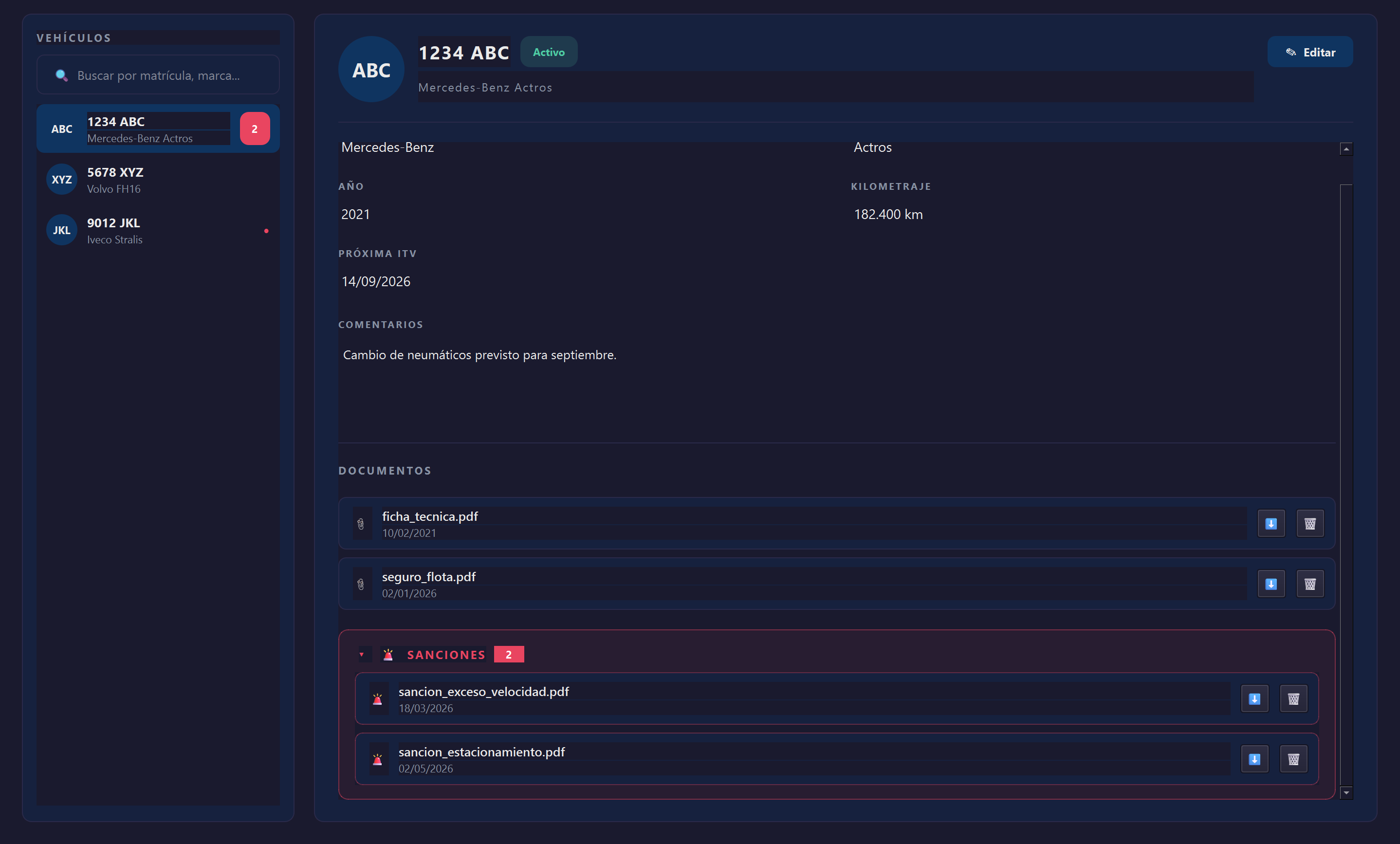
Vehicles panel
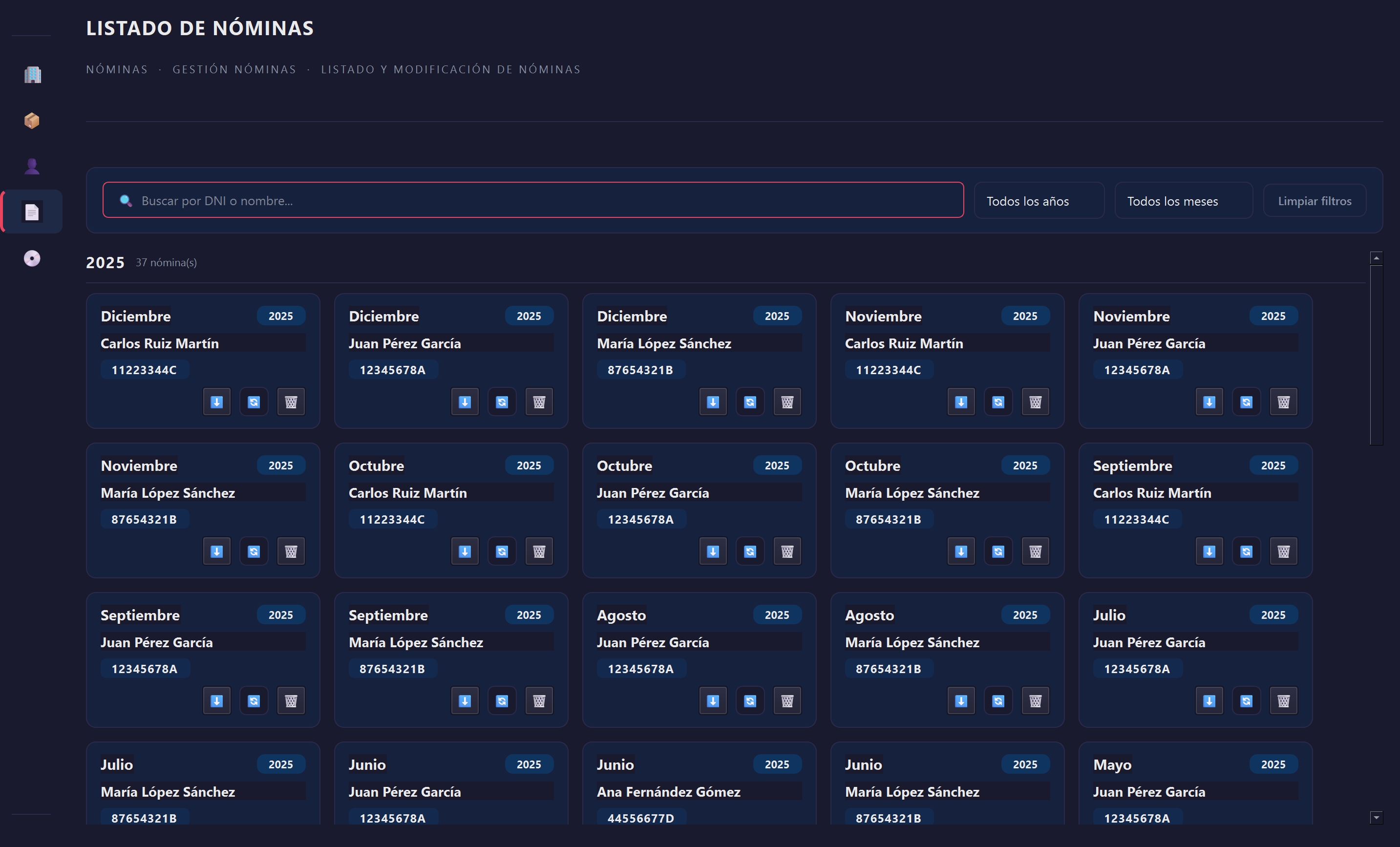
Payroll list panel
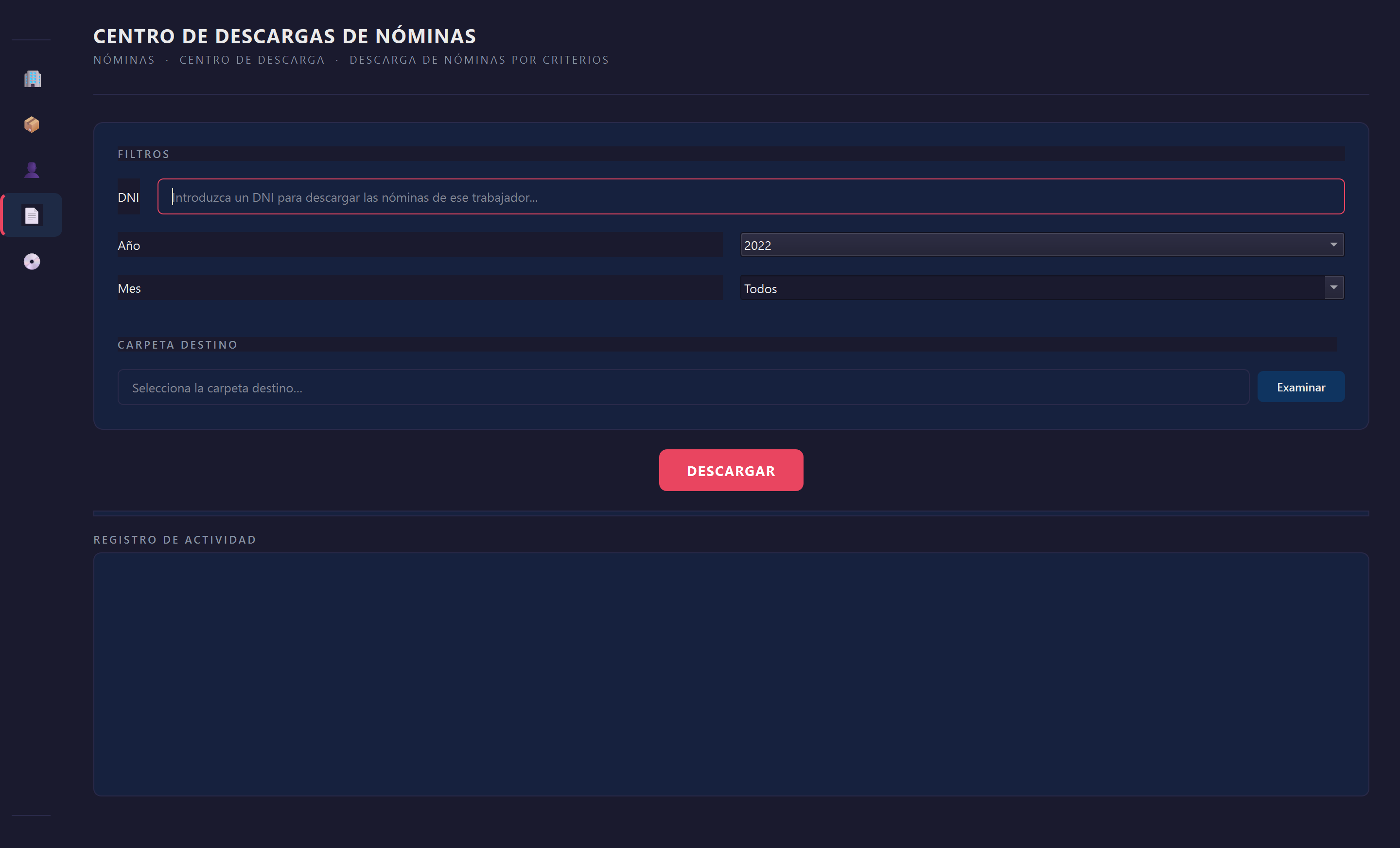
Payroll download panel
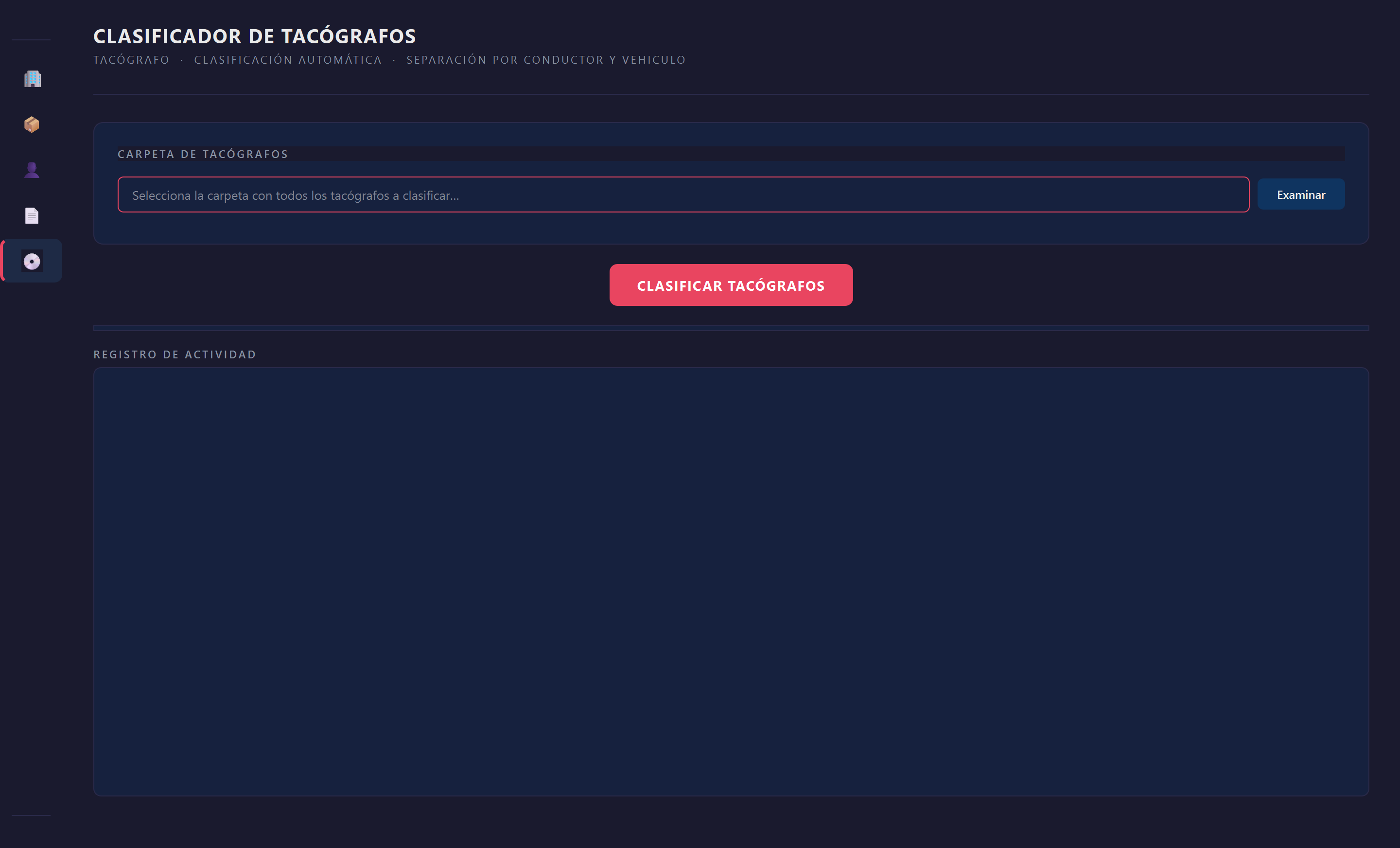
Tachograph classification panel
About the project
Managing staff and fleet documentation becomes a complex task as a company grows. This transition can be made as smooth as possible with software designed around the needs and workflow already established at the company. For this reason, a desktop application was developed to manage the data of the company Highway 2022 S.L.
In short, the company's requirements consisted of having a tool that would let it centralize all the data on its staff and fleet. This way, access to the documentation needed for certain procedures would be almost immediate and would allow new employees to have a clear and precise organization. In addition, they also needed a system to classify and store certain files and extract information from a specific type of PDF document. Finally, they needed to extract, organize, and store a set of data from a website.
To begin with, it was necessary to analyze the decision to develop a desktop application as opposed to other alternatives such as a webapp. The decision was made by the company, with my advice. Although a web application allows for much more convenient remote access, due to the structure of the company and with the aim of reducing attack surfaces, a more centralized desktop application was preferred.
Python's Qt library was used to implement the graphical interface. This choice is linked to the choice of programming language. As mentioned earlier, the company had requirements around consuming APIs, reading PDFs, and organizing files by name and extension. Thanks to its versatility and libraries, Python makes it possible to carry out many of these tasks easily. In addition, the company wanted to store the data retrieved from the API in an Excel file designed by themselves, and Python has the openpyxl library, which is perfect for this task.
As for storage, a Microsoft Access database was chosen. This decision, over other free database managers such as MariaDB or ones compatible with other operating systems such as Oracle, comes down to two factors. The first is that the company works exclusively with Windows devices, so compatibility with other operating systems was not necessary. The second is to make use of the Office package the company already had, which includes Microsoft Access and strong support.
Below are screenshots of the software in action. They show the different categories used to manage all of the company's data, the classification of documents, and the ability to download them for review. Since this is proprietary software, the images contain generic text that does not expose any of the company's sensitive data.