Homelab · Personal project
Homelab
Homelab that provides and exposes different services to both the public network and a private network accessed via a VPN. These services range from a web server to a private video and audio streaming service. In addition, it also allows conducting laboratories in isolated and fully virtualized environments remotely.
About the project
During my final year of my Computer Science degree, I had to carry out a project where I needed to deploy and simulate a complete network. Additionally, I needed to manually deploy many of the services that the network was supposed to provide. This work taught me that setting up certain services is not complicated as long as you have a machine to run them on. And that's when I asked myself: why not do the same with an old computer? Thus, this homelab project was born and, after researching, I discovered it was a world of infinite possibilities.
Initially, following the line of my university work, I decided to set it up using a Debian server base image. This way, each service had to be carefully set up and configured by me. Later, I discovered ProxmoxVE, and that completely changed how I managed the homelab. ProxmoxVE is an operating system that functions as a type 1 hypervisor and has a huge community that, using scripts, allows you to deploy a service in a matter of minutes. Beyond the ease of deploying services, the hypervisor aspect of this operating system opened up a new possibility: remote virtual machines.
During the development of the project mentioned at the beginning, I ran into a major complication: I needed too many virtual machines. Having to simulate a network topology for two companies required more virtual machines than my computer could comfortably handle. Thanks to ProxmoxVE, this limitation was resolved due to the ability to connect to virtual machines running on ProxmoxVE. Furthermore, being a type 1 hypervisor, ProxmoxVE is much more efficient than other virtualization tools like VirtualBox.
Deployed services
Immich
Private photo cloud
Immich is a service that allows you to have a cloud in the pure style of Google Photos. This has allowed me to not rely on subscriptions for my images and videos, ensuring that if my phone breaks, my content is safe. Moreover, making use of its user management, I've been able to share this service with family and friends.
Jellyfin
Private streaming service
Jellyfin is an audio and video streaming service in the style of Netflix. Unlike Immich, this service does not replace Netflix as it doesn't have such an extensive catalog. However, it has allowed me to enjoy movies and series that I had at home in physical format. Much of this content is not available on other platforms, and it seemed a shame to stop enjoying it just because I didn't have a DVD player at hand. Additionally, Jellyfin allows playback on Chromecast-type devices, so I have all the content anywhere. Who wouldn't want that?
Nginx Server
Web server
Nginx is a well-known web server that has allowed me to deploy any webpage I want. Having a service of this kind provides great versatility as it allows me to serve any content I want to publish. In fact, this very portfolio is served thanks to this web server. Another example of its use is distributing PDF documents relevant to me, such as my CV or my Bachelor's thesis reports.
Virtual Lab
Isolated virtual machine environment
This is the most curious service of all. Thanks to the versatility and efficiency of ProxmoxVE running virtual machines, I decided to set up a virtual lab service. This is completely private.
To be able to create the virtual machines and the networks between them, like in VirtualBox, you need access to the ProxmoxVE panel. This access is highly protected as it requires an Authelia username and password to access the node selection page; then a ProxmoxVE user with permissions and password for the assigned node is also required. This guarantees great protection for managing the virtual machines and the laboratory networks.
To access the virtual machines' network, a valid certificate from a VPN created with WireGuard is required. This is the most secure way to allow access to the internal network of the virtual machines from the internet. Although WireGuard could be used on ProxmoxVE itself, I chose to use OPNsense for this task. All virtual machines need a router to control who accesses the internet and who doesn't. To cover both needs—the VPN and the router—I decided to set up and configure an OPNsense router that oversees the entire virtual lab network.
Challenges & Solutions
Challenge
Having a domain and a DNS to be able to access public services from anywhere.
Solution
Acquiring a domain using Cloudflare to use its free DNS service.
Challenge
Preventing the server's IP address from leaking, thus compromising system security.
Solution
Using Cloudflare Tunnel to guarantee anonymity and achieve DDoS protection.
Challenge
Managing access to the ProxmoxVE control panel when there is more than one server without using Proxmox Cluster.
Solution
Serving a custom webpage that allows selecting which of the Proxmox servers to access.
Challenge
Preventing access to those services that are private, including the cluster selection page. Only authenticated and authorized users should have access.
Solution
Using Authelia as a proxy to intercept all requests to private services and guarantee user authentication and authorization.
Poyect's screenshots
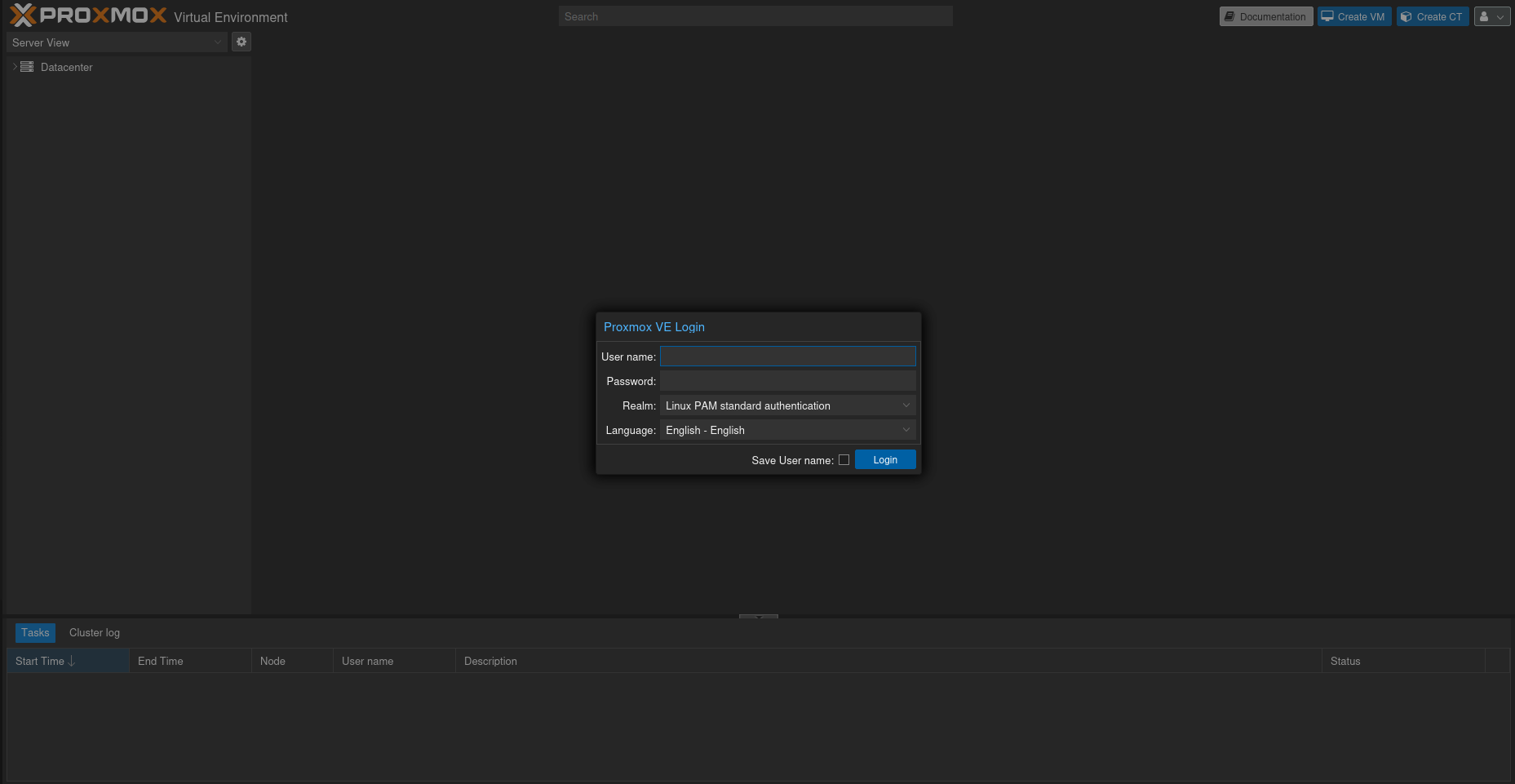
Proxmox login
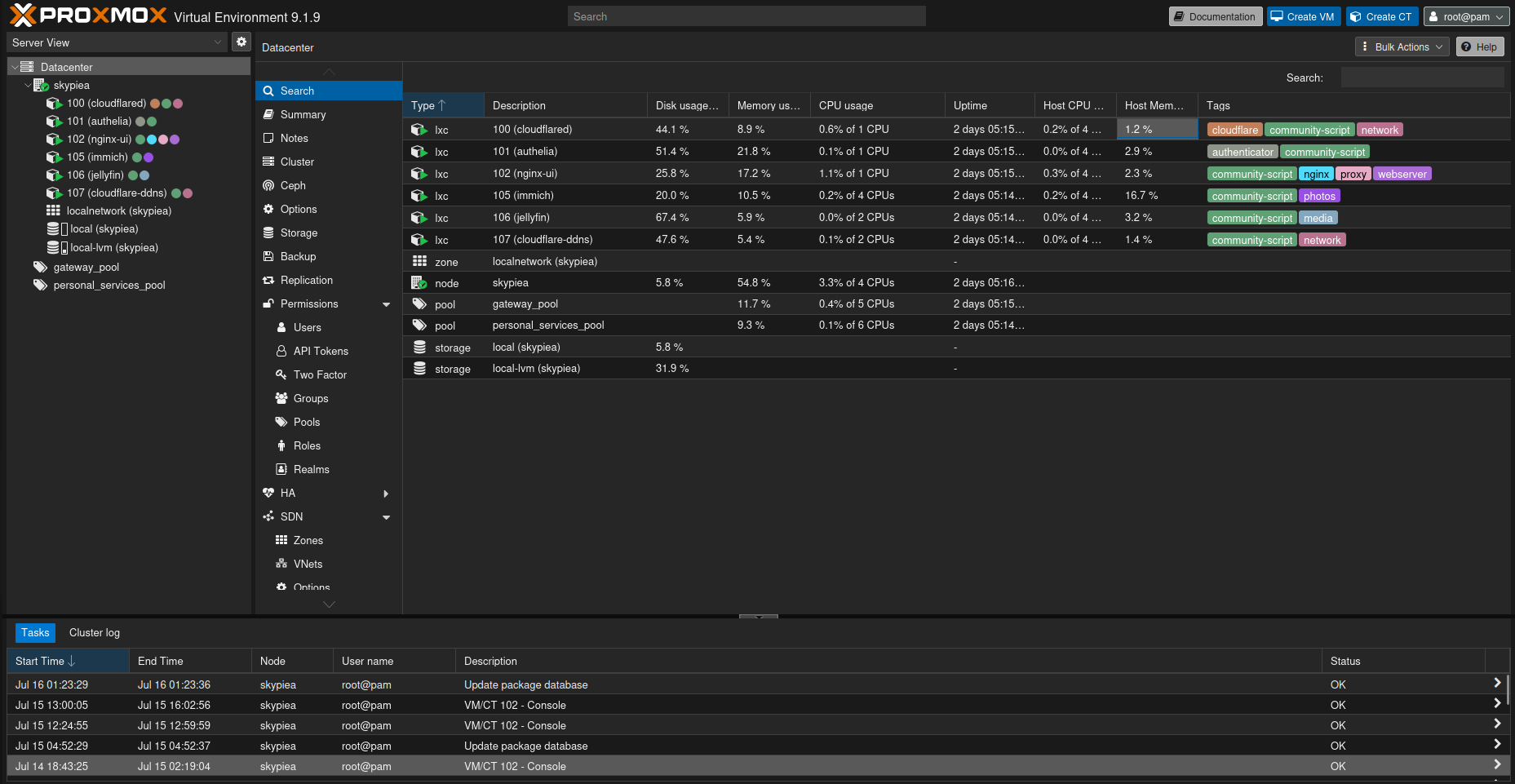
Proxmox panel of the first node with its services
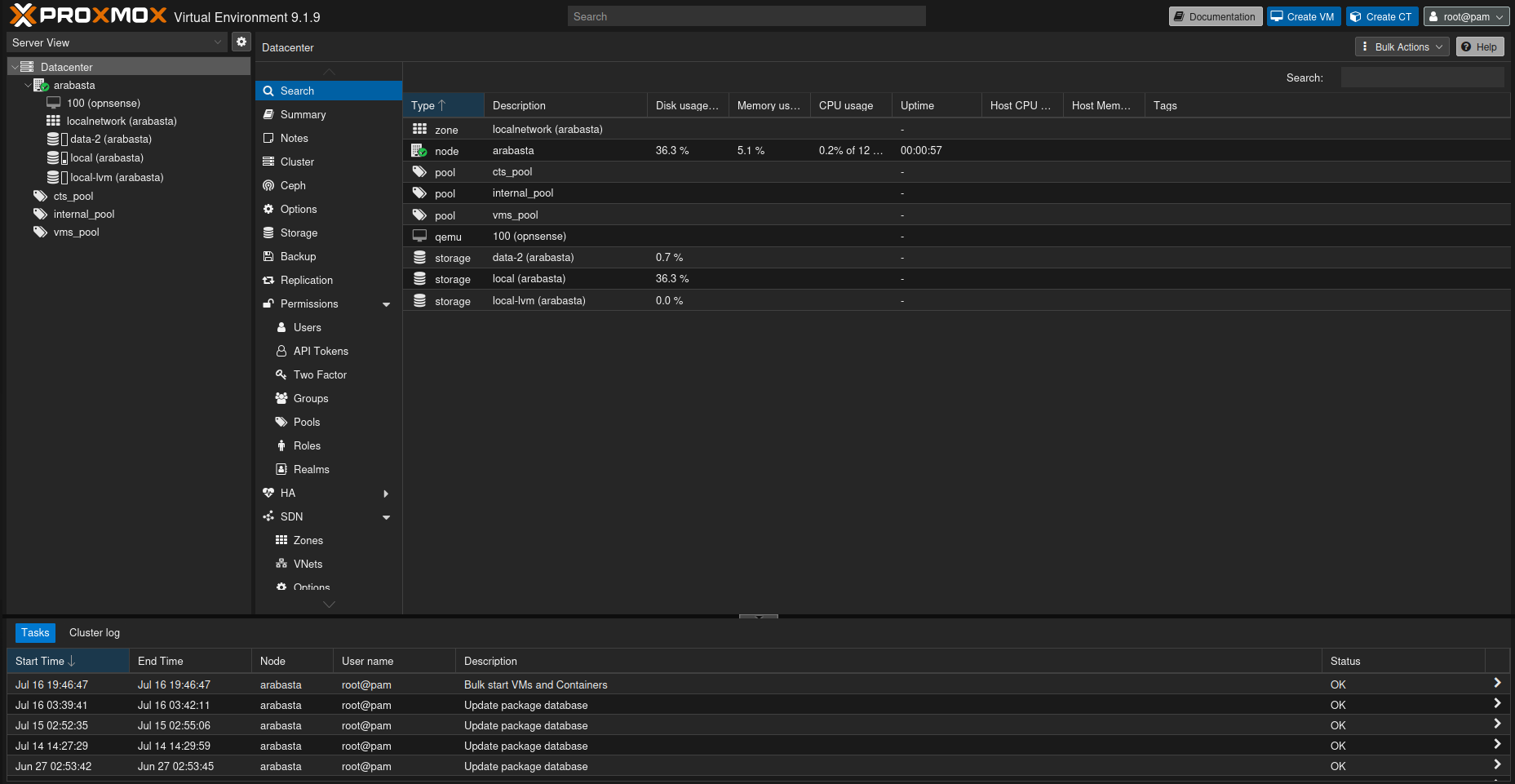
Proxmox panel of the second node with its virtual machines
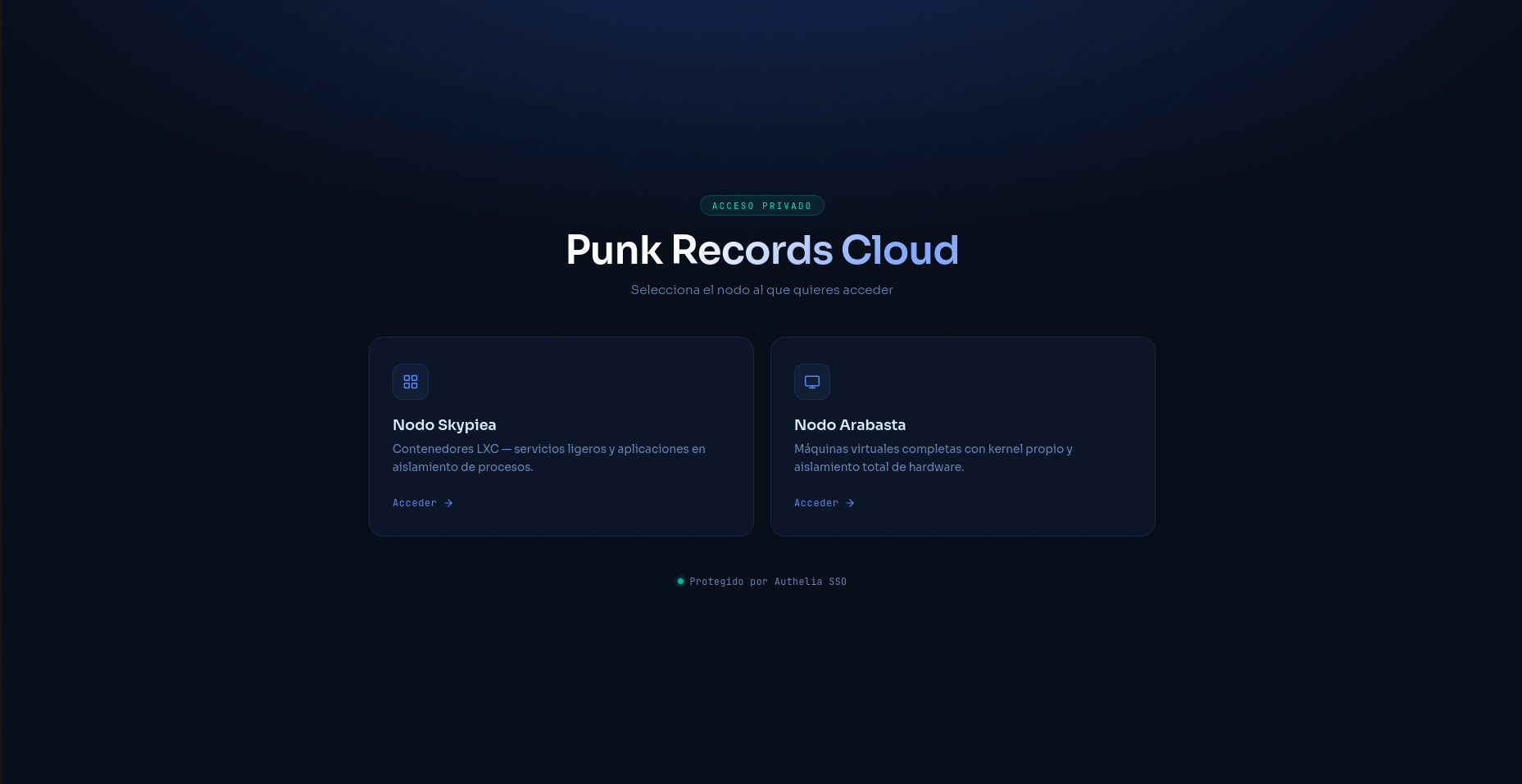
Homelab node selection page
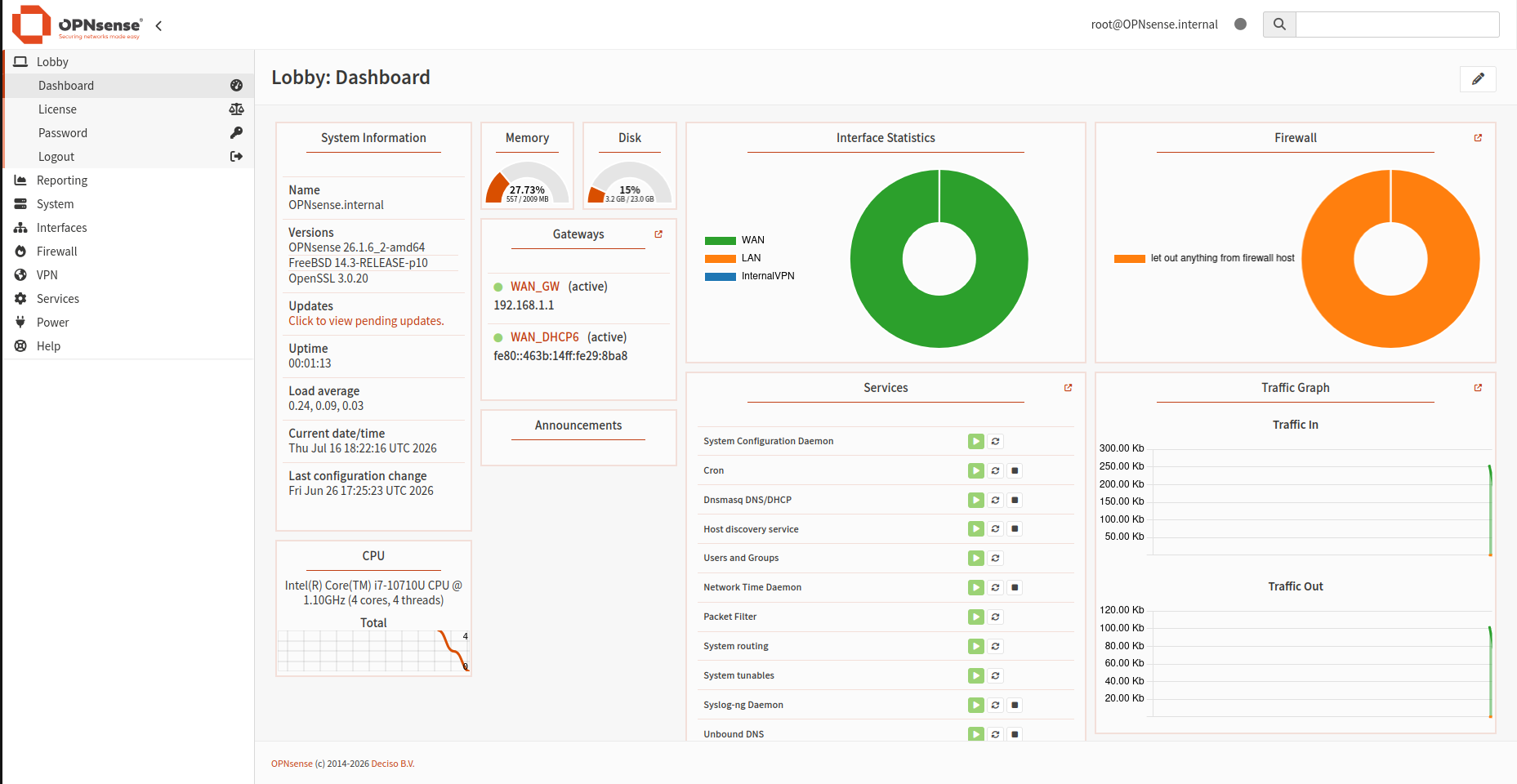
OPNsense panel of the virtual lab